- What is Base Camp?
- Step 1: Log in to Base Camp
- Step 2: Check Your Dashboard
- Step 3: Choose Your Path
- Step 4: Start with Level 1
- Step 5: Review Project Details
- Step 6: Complete Your Project at the Meeting
- Step 7: Submit Your Project
- Step 8: Online Evaluation (New Evaluation Feature)
- Step 9: Recording Meeting Roles (New Meeting Role Requirement)
- Common Issues (Don’t Worry!)
What is Base Camp?
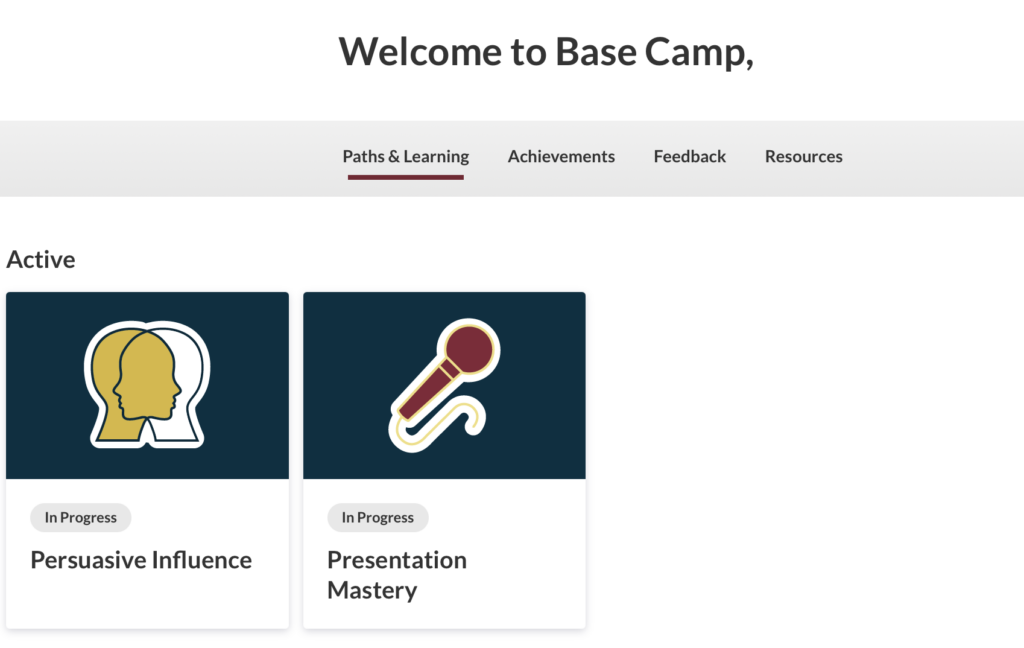
Base Camp is the official online platform used by
to manage all Pathways learning activities.
In Base Camp, you can:
- Choose your Path
- Review project instructions
- Prepare your speeches
- Submit completed projects
👉 Base Camp is where your Pathways journey starts.
Step 1: Log in to Base Camp
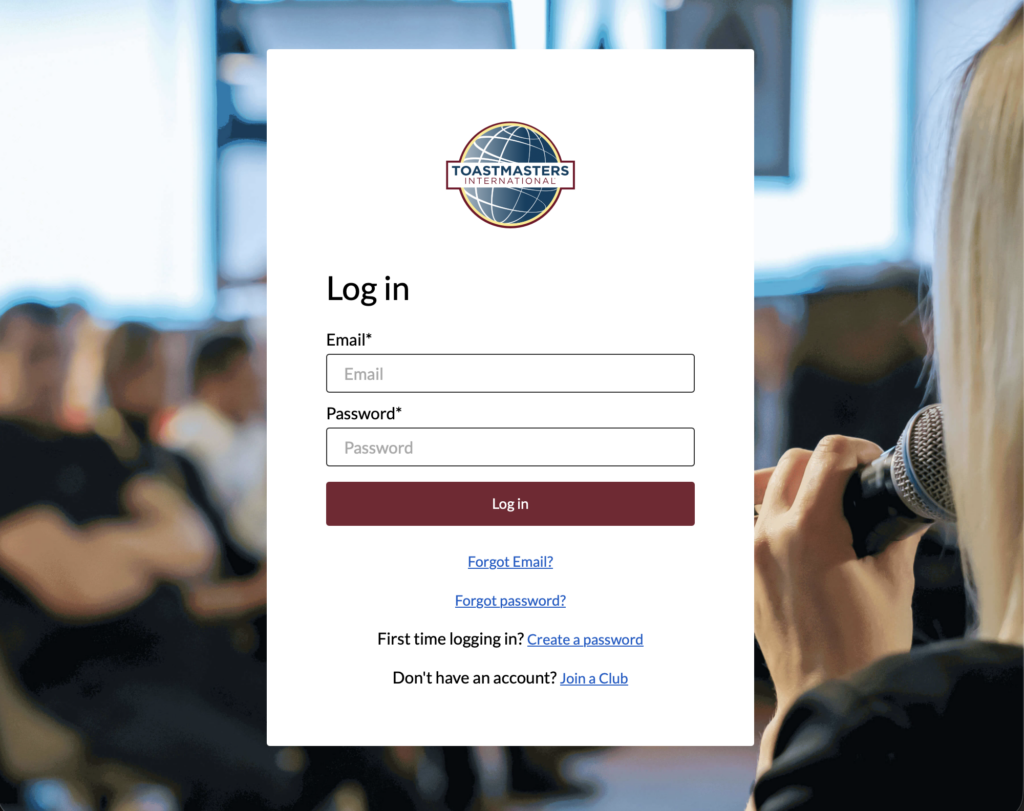
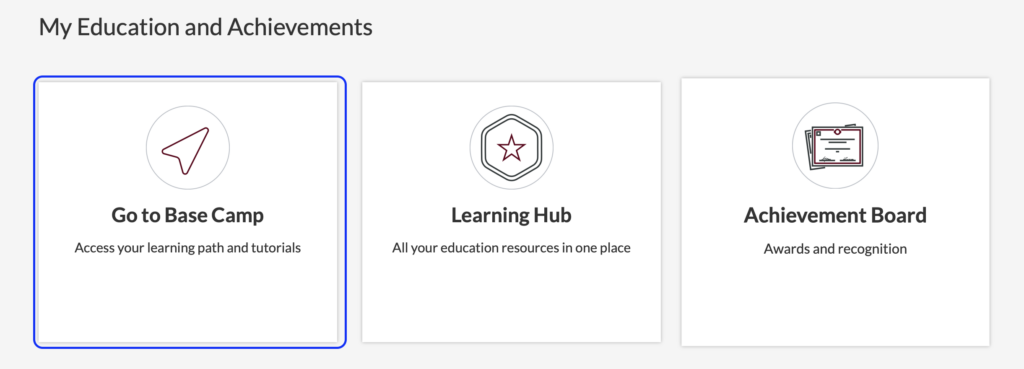
- Go to the Toastmasters website and log in
- From the top menu, “Go to Base Camp”
- The Base Camp dashboard will open
Note: The first login may take a little time to load.
Step 2: Check Your Dashboard
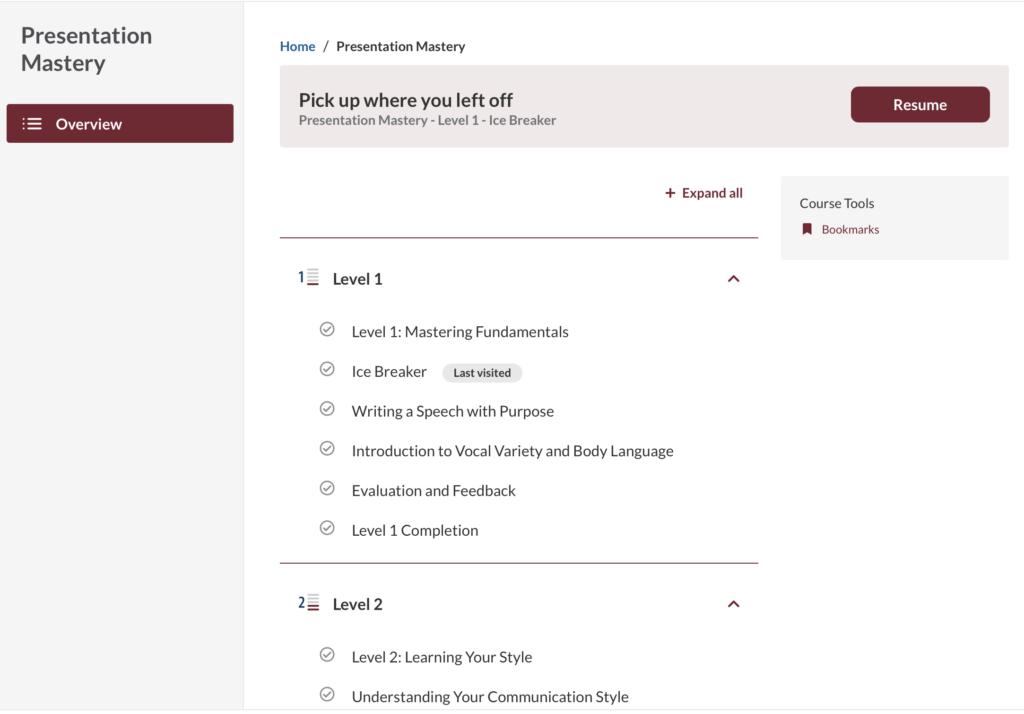
On the Base Camp dashboard, you can see:
- Your selected Path
- Your current Level
- Your project list
This dashboard is your home screen for Pathways.
Step 3: Choose Your Path
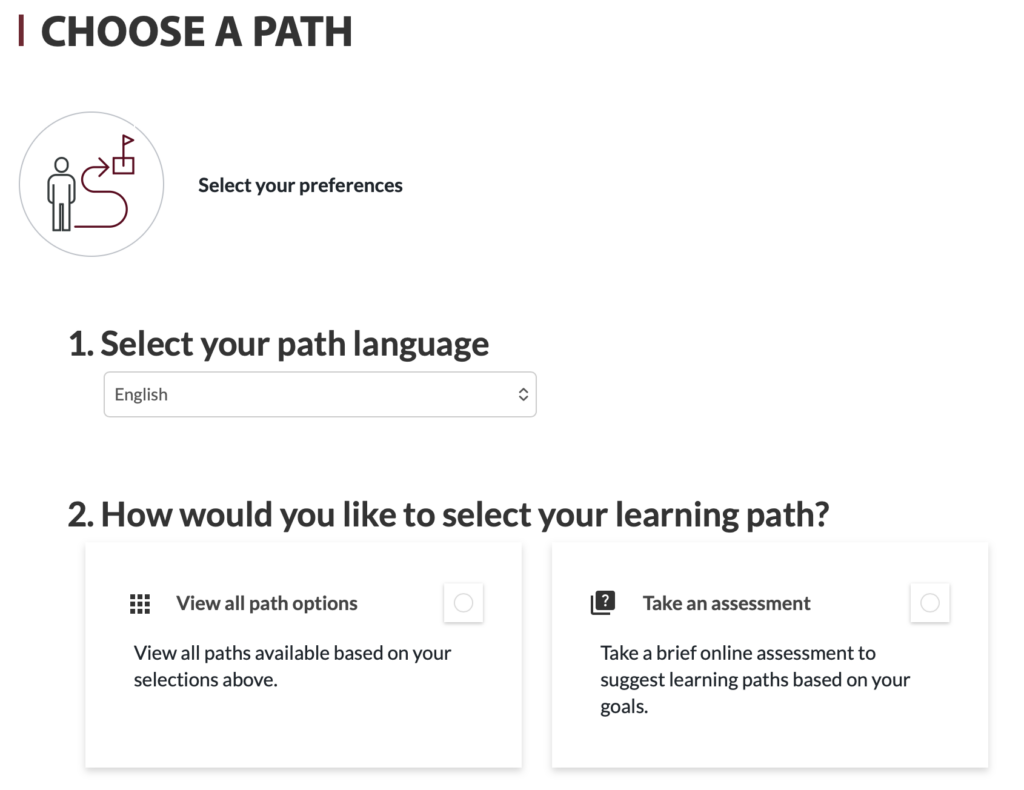
If you have not selected a Path yet:
- Click Choose a Path (path selection guide)
- Select one Path based on your goal
- Confirm your selection
Tip:
If you are not sure, Presentation Mastery is a good choice for beginners.
You can add more Paths later if you wish.
Step 4: Start with Level 1
Each Path has five levels (Level 1 to Level 5).
- Level 1 focuses on the basics
- Everyone starts from Level 1, regardless of the Path
Click Level 1 to see your first projects.
Step 5: Review Project Details
Before preparing your speech, always check:
- Purpose of the project
- Time limit
- Evaluation criteria
Your evaluator will give feedback based on these points.
Step 6: Complete Your Project at the Meeting
To complete a project:
- Give your speech, or
- Take the assigned meeting role
All Pathways activities are completed during regular club meetings.
Step 7: Submit Your Project
After the meeting:
- Return to Base Camp
- Open the completed project
- Click Submit / Complete
- The VPE (Vice President Education) will review and approve it
⚠️ Projects are not completed automatically.
You must submit them yourself.
Step 8: Online Evaluation (New Evaluation Feature)
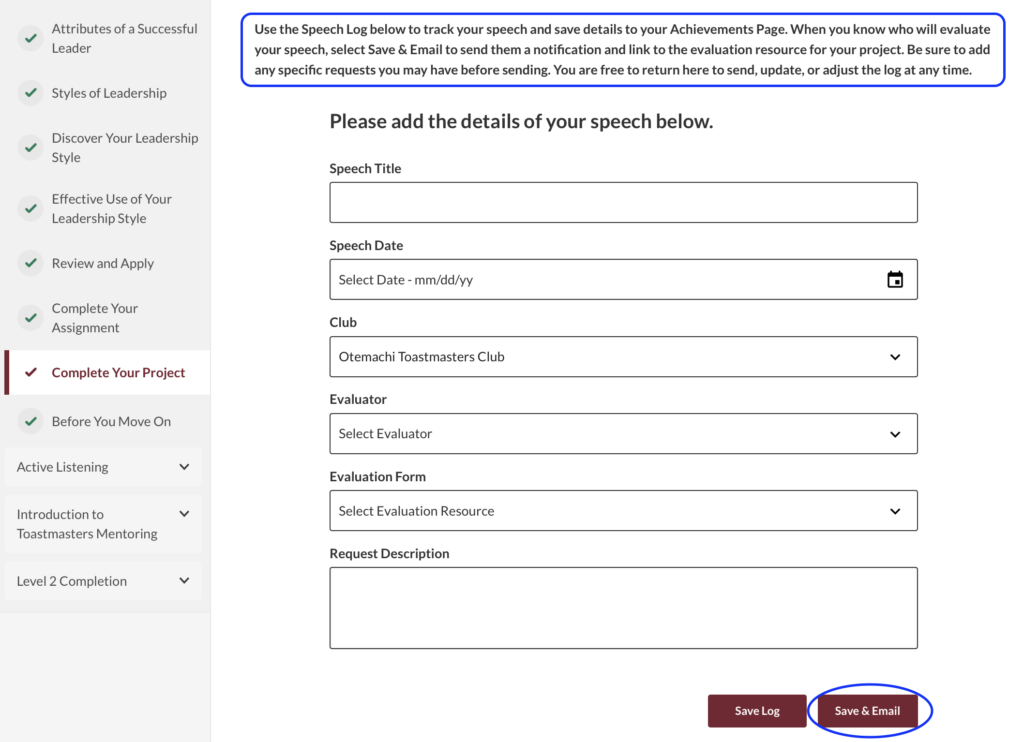
Base Camp includes an online evaluation system.
How it works
- When you give a Pathways speech, your Evaluator receives the Evaluation Sheet online
- The evaluation form is shared inside Base Camp, not by email
- The Evaluator reviews your speech based on the project objectives and criteria
- Your feedback is recorded and stored online
Why this is useful
- No need to print or email evaluation forms
- Evaluations are always linked to the correct project
- You can review feedback later as part of your learning
👉 This system helps keep evaluations organized, consistent, and easy to access.
Step 9: Recording Meeting Roles (New Meeting Role Requirement)
Why meeting roles matter
In Pathways, meeting roles are required at every level.
Meeting roles are essential because they:
- Help meetings run smoothly
- Build communication and leadership skills
- Provide practical experience beyond speeches
Members start with simple roles (e.g. Table Topics Speaker)
and progress to more challenging roles
(e.g. Toastmaster of the Day) as they move to higher levels.
Important rules about meeting roles
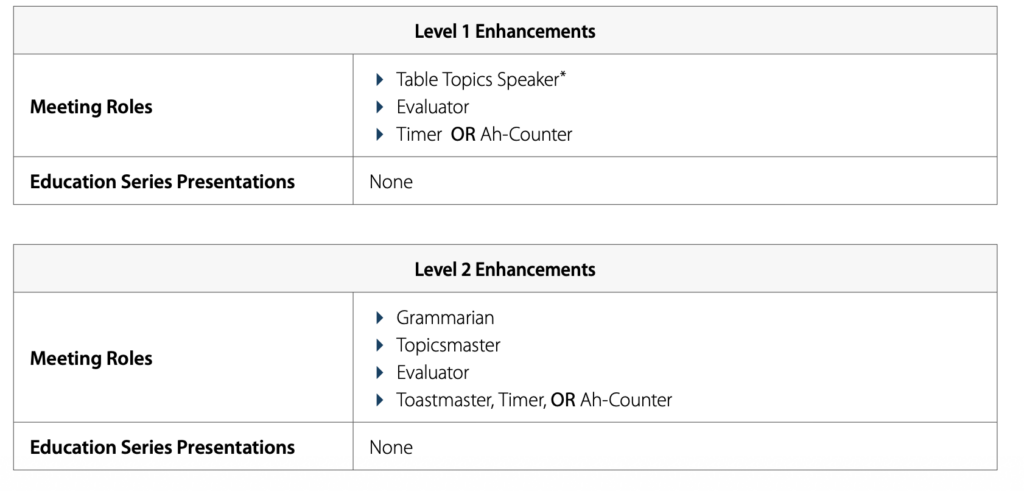
- Each level has specific required roles (examples of Level 1 / 2 above)
- You must complete the role while working on that level
- You cannot complete a role in one level and receive credit for another level
These role requirements are the minimum participation needed to complete a level.
Members are still encouraged to:
- Take additional roles
- Participate based on their goals, skills, and club needs
How to record your meeting roles
You can record your roles directly in Base Camp:
- Open your Profile in Base Camp
- Scroll down to the Meeting Roles section
- Enter:
- The role name
- The date you completed it
- Save the entry
These records are:
- Visible to club officers (Base Camp managers)
- Used to confirm role completion for each level
👉 Recording your roles is your responsibility.
Common Issues (Don’t Worry!)
- The system looks confusing
- There is a lot of English
- You are not sure where to click
- You forgot to submit your project
👉 Just ask an officer or an experienced member.
Everyone was new once. 😃